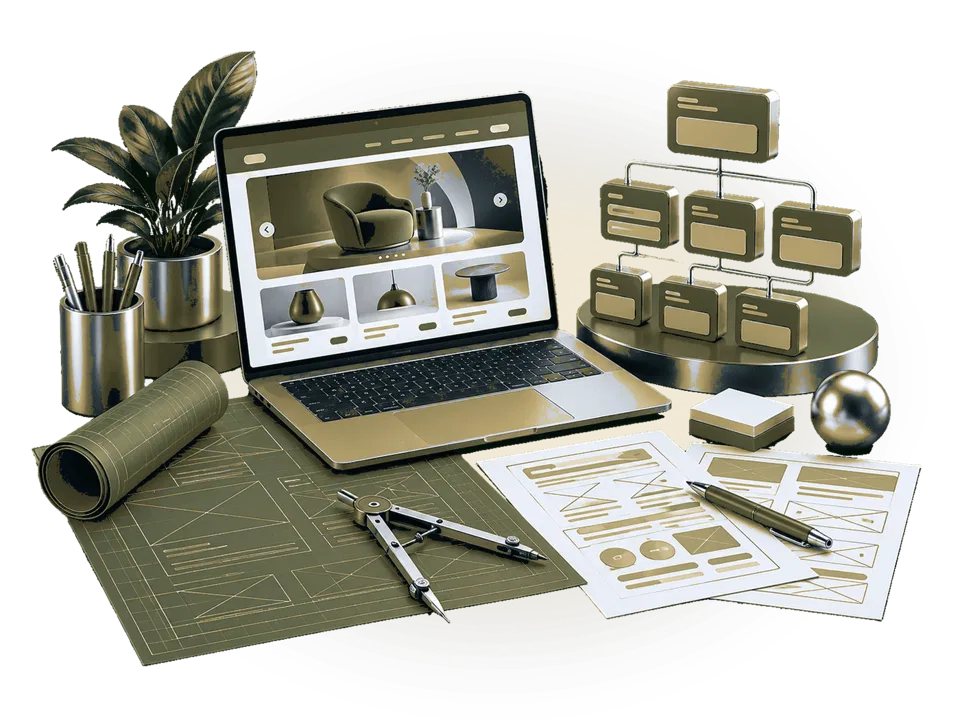

Understand design as a set of connected decisions
Website design covers the organisation and presentation of content and the interactions through which visitors use it. It includes information hierarchy, layout, typography, imagery, navigation and the behaviour of controls. Development turns those decisions into working software, although one person may perform both roles. A design is not complete when a static homepage looks attractive. The service pages, error states, forms and mobile layouts also need attention. A hypothetical business website succeeds when its presentation helps people understand the offer and complete the intended task. That purpose connects visual choices to practical requirements.
Prepare content before polishing layouts
Collect approved business facts, product or service information, images and contact details early. Draft the main message and supporting points before choosing a final composition. Real content exposes layout requirements that placeholder text hides, such as long titles or complex comparison details. A hypothetical service page may need a process explanation and a short brief form, not another decorative image panel. Keep ownership of factual review clear. Design can improve hierarchy and readability, but it cannot reliably fill gaps in the business information. A content inventory also reveals which existing URLs and useful material should be preserved during a rebuild.
Use repeatable components without repeating every page
A design system can provide consistent buttons, cards, spacing and form controls while allowing pages to serve different purposes. Reuse the rules, not the entire composition and copy. A hypothetical service page may need a process explanation, while a guide needs a readable article layout. Both can share typography and navigation. This distinction makes the site coherent without making every destination feel interchangeable. Document the components using realistic content, including long labels and empty states. Later editors should be able to add a page that belongs to the brand without copying an unrelated page and forgetting to replace its details.
Design both completion and recovery
A form needs more than empty fields and a submit button. Explain what information is needed, mark required items and provide useful validation. Preserve entered values when an error occurs. The pending state should discourage accidental repeated submissions, and the success message should distinguish receipt from later acceptance or booking. A hypothetical quotation form can retain the selected product so the visitor does not have to type it again. Test missing information and an invalid address as well as a successful submission. Keep sensitive information out of general forms unless the workflow and handling have been properly designed for it.
Review the task across different screens
A customer may begin research on a phone and return later on a larger screen. Keep terminology, page structure and important destinations consistent enough for that transition to make sense. Device testing should include the task, not just a screenshot of the opening section. Try opening the menu, choosing a product, following a related link and completing a form. Check orientation changes and text enlargement where practical. A hypothetical mobile visitor may be interrupted and return to the page later, so avoid fragile interactions that lose useful information without explanation. Responsive quality is about completing the journey, not merely fitting inside the viewport.
Discuss the work with SEO Agency Pretoria
For appointment-led teams, we connect service information to booking requirements, response expectations and realistic travel coverage. For business-to-business firms, we focus on procurement questions, service scope and the information a buyer needs before requesting a proposal.
Send the relevant requirements to info@seoagencypretoria.co.za. We will confirm scope, availability and the appropriate next step before work is agreed.
Sources and further reading
Related questions
Continue with affordable web design, auto dealer web design and what is web designing for the related decisions in your brief.