
Start with a concrete visitor task
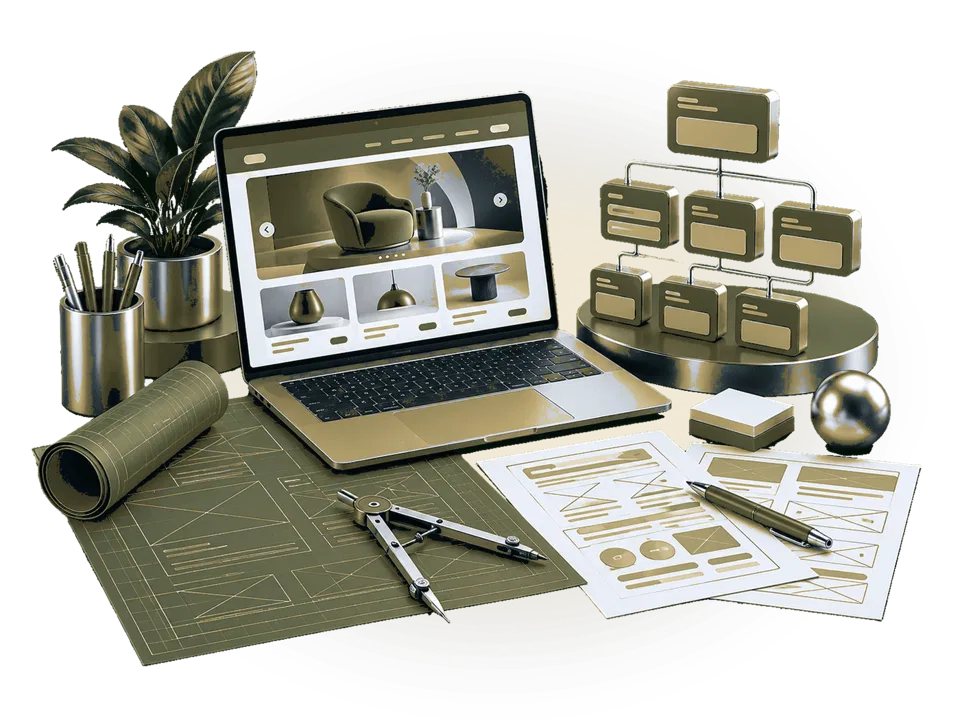
Before opening a design tool, write the main task the website should support. Examples include understanding a service, comparing a product or requesting a consultation. List the information a visitor needs to complete that task and the questions that could stop progress. Use this sequence to propose a page structure. A hypothetical supplier might need product categories, specification detail and a quote route, while a personal portfolio needs selected work and a contact method. This early distinction prevents a project from becoming a collection of attractive but disconnected sections. A clear task also gives later design reviews something more useful to discuss than personal colour preferences.
Give services enough detail to compare
A service section should distinguish offers using the questions customers actually ask. Explain suitability, the work involved and the information needed to proceed. Replace repeated claims such as “quality solutions” with verified differences. A hypothetical business offering design and ongoing support should make those separate responsibilities clear. The same visual system can hold both pages, but their content should not be interchangeable. Link to examples or supporting explanations where they help a decision. If pricing depends on scope, explain the variables instead of inventing a standard amount. A well-designed service page helps a prospect submit a more informed enquiry.
Prepare content before polishing layouts
Collect approved business facts, product or service information, images and contact details early. Draft the main message and supporting points before choosing a final composition. Real content exposes layout requirements that placeholder text hides, such as long titles or complex comparison details. A hypothetical service page may need a process explanation and a short brief form, not another decorative image panel. Keep ownership of factual review clear. Design can improve hierarchy and readability, but it cannot reliably fill gaps in the business information. A content inventory also reveals which existing URLs and useful material should be preserved during a rebuild.
Implement one complete journey before expanding
Build a representative page and connect it to a working action before producing every variation. This reveals problems in navigation, forms, content structure and shared components early. A hypothetical service website could begin with the homepage, one detailed service page and the enquiry confirmation. Review that complete route on a phone and a larger screen. Once the structure works, extend the same design rules to other content without copying the first page's text blindly. Keep page-specific information in its proper place. A complete small journey is more informative than many disconnected mockups that have never been tested together.
Prepare the release as part of the design project
Launch preparation should cover the domain, HTTPS, page routes, contact handling and rollback arrangements. If the new site replaces an old one, compare the important URLs and plan suitable redirects. Check that public pages contain final content and that preview or demonstration pages are not exposed as finished work. A hypothetical launch test should include a real route from homepage to enquiry and a verified confirmation at the receiving system where authorised. Keep the previous version available for recovery. Publication is not complete merely because files uploaded successfully; the public result should be inspected and the business should know how to report an issue.
Discuss the work with SEO Agency Pretoria
For appointment-led teams, we connect service information to booking requirements, response expectations and realistic travel coverage. For business-to-business firms, we focus on procurement questions, service scope and the information a buyer needs before requesting a proposal.
Send the relevant requirements to info@seoagencypretoria.co.za. We will confirm scope, availability and the appropriate next step before work is agreed.
Related questions
Continue with small business web design, how to create a website for your business and create a website for the related decisions in your brief.